District Light Failed Withdrawal: Why Your Cashout Was Rejected and How to Fix It
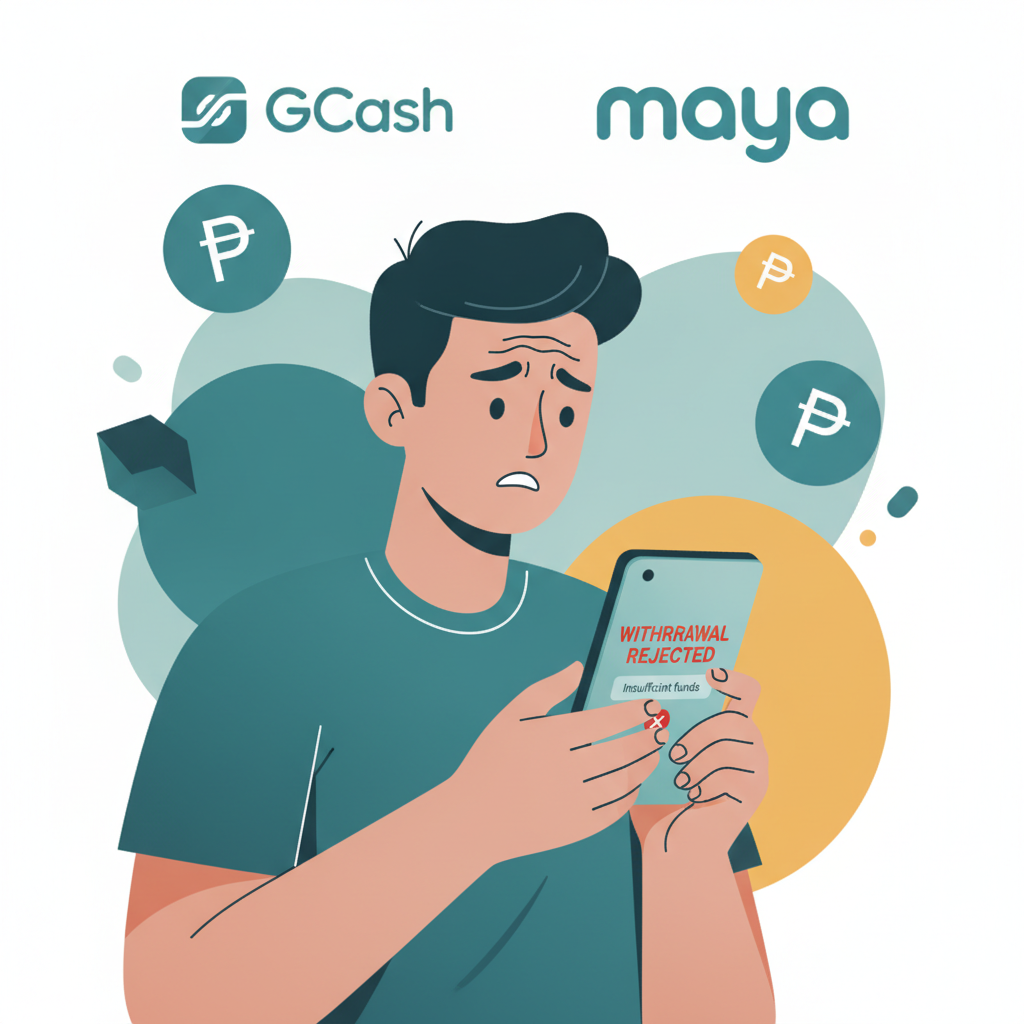
Top Reasons Your District Light Withdrawal Fails
When a District Light withdrawal is rejected, the platform typically holds the funds until you fix the underlying issue. Most failed cashouts fall into a handful of common categories that players can resolve quickly once identified.
Incomplete Wagering Requirements
District Light applies turnover conditions to many deposits and all bonus funds. If you accepted a reload offer, cashback deal, or free spins, you must wager a multiple of the bonus amount—often 10× to 25×—before withdrawing. Even standard deposits may carry a 1× playthrough rule to satisfy anti-money-laundering checks.
A cashout request submitted before completing the required turnover will be declined. The system blocks the transaction automatically, and your balance remains in your account. Check your active bonuses and the remaining wagering balance before you request a payout.
Wrong E-Wallet or Bank Details
Errors in your GCash mobile number, Maya account name, or bank account details will cause an instant rejection. District Light sends withdrawals only to accounts that match the name on your verified player profile. Even a single-digit typo in a phone number or an outdated bank account can stop the transaction.
If you recently changed your GCash number or switched banks, update your payment details in the District Light cashier before requesting a withdrawal. The platform does not correct errors on your behalf; you must resubmit with accurate information.
Pending Account Verification
District Light requires identity verification before processing your first withdrawal and may request additional documents later. If your ID, proof of address, or selfie upload is incomplete, expired, or unclear, the cashout will be rejected until you submit valid files.
Verification requests appear in your account dashboard and via email. Upload a clear photo of your government-issued ID (driver's license, passport, or national ID), a recent utility bill or bank statement for address proof, and a selfie holding your ID if requested. Documents must show your full name, date of birth, and current address matching the details in your player profile.
Account or Payment Method Mismatch
Withdrawals must go to a GCash, Maya, or bank account registered in your own name. District Light will reject cashouts to third-party accounts, even if the recipient is a family member. This policy protects both the platform and players from fraud and complies with Philippine anti-money-laundering rules.
If you deposited using a friend's e-wallet or a shared bank account, you cannot withdraw to that same method. Contact District Light support to verify your own payment account before requesting a payout.
Exceeding Daily or Monthly Limits
District Light sets withdrawal limits based on your account tier and activity. Standard accounts may face daily caps of PHP 10,000 to PHP 50,000, while VIP players enjoy higher thresholds. If your cashout request exceeds your current limit, the system will decline the transaction.
Split large withdrawals into smaller amounts that fit within your daily cap, or wait until the next calendar day to submit the balance. Limits reset at midnight Philippine time.
How to Check Your Transaction History and Rejection Notes
District Light logs every deposit, wager, and withdrawal attempt in your account history. Reviewing this record helps you identify why a cashout failed and what action is needed.
Accessing Your Cashier Transaction Log
Log in to District Light on your Android phone or desktop browser, then tap the menu icon and select Cashier or Wallet. Look for a Transaction History or Withdrawal History tab. This section lists all pending, completed, and rejected payouts, along with the date, amount, and payment method.
Each failed withdrawal displays a status label such as Rejected, Cancelled, or Failed. Tap the entry to view detailed rejection notes, which may include messages like "Wagering incomplete," "Verification required," or "Invalid account details."
Reading Rejection Messages
Rejection notes are brief but specific. Common phrases include:
- "Turnover not met": You have not completed the required playthrough on a deposit or bonus.
- "Pending KYC": Account verification documents are missing or under review.
- "Payment details invalid": The GCash number, Maya account, or bank details you entered do not match your registered information or contain errors.
- "Account mismatch": The withdrawal destination belongs to someone else.
If the rejection note is unclear or missing, contact District Light customer support through live chat or the in-app help button. Provide your transaction ID and ask for clarification.
Steps to Resubmit Your District Light Withdrawal After Correcting Errors
Once you identify and fix the issue that caused the rejection, you can request a new cashout. District Light does not automatically retry failed withdrawals; you must submit a fresh request.
Update Payment Details First
If wrong e-wallet or bank information caused the failure, go to the Cashier section and select Manage Payment Methods or Edit Withdrawal Account. Delete the incorrect GCash, Maya, or bank entry, then add the correct details.
For GCash, enter the 11-digit mobile number starting with 09. For Maya, use the registered mobile number. For bank transfers via InstaPay or PESONet, input your full account number, bank name, and account holder name exactly as they appear on your bank records.
Save the changes, then wait a moment for the system to validate the new information before requesting a withdrawal.
Complete Any Outstanding Verification
If verification is pending, upload the required documents in the Account or Profile section. District Light typically reviews submissions within 24 to 48 hours on business days. You cannot withdraw until verification is approved, so submit clear, legible files to avoid delays.
Finish Wagering Requirements
Check the Bonuses or My Account tab to see your remaining turnover balance. Play eligible slots, live dealer games, or place sports bets until the wagering counter reaches zero. Once complete, the system will unlock withdrawal functionality.
Do not request a cashout until wagering is fully met. Repeated failed attempts may flag your account for manual review, adding extra processing time.
Submit a New Cashout Request
Return to the Cashier and select Withdraw or Cash Out. Choose your verified payment method (GCash, Maya, InstaPay, or PESONet), enter the amount in Philippine pesos, and confirm the request.
District Light will queue the new withdrawal for processing. GCash and Maya cashouts typically arrive within 1 to 24 hours, while InstaPay completes in minutes to hours and PESONet takes one to three business days. Check your transaction history to track the status.
When a Failed Payout Returns to Your Balance
District Light automatically returns rejected withdrawal amounts to your playable balance. You do not lose the money when a cashout fails—it simply becomes available to wager or request again once you fix the problem.
Immediate Credit After Rejection
The platform credits your account within minutes of declining a withdrawal. Refresh your balance or restart the District Light app to see the updated amount. No manual action is needed to recover the funds.
No Fees for Failed Withdrawals
District Light does not charge a fee when a cashout is rejected. However, if you resubmit and the withdrawal succeeds, standard processing fees may apply depending on your chosen method. GCash and Maya transfers often carry no fee for the first few monthly cashouts, while bank transfers via PESONet may incur a small charge.
Avoid Spending Returned Funds During Fixes
If you are waiting for verification approval or correcting payment details, resist the urge to wager the returned balance. Playing the funds may reset turnover counters or complicate your account status. Leave the money untouched until you successfully withdraw.
Preventing Future District Light Cashout Rejections
A few proactive steps reduce the chance of repeat failures and speed up every payout.
- Verify your account early: Upload ID and proof of address before your first withdrawal request.
- Double-check payment details: Compare your GCash or Maya number and bank account information against your official records before saving.
- Track wagering progress: Monitor bonus turnover requirements in real time to know when you are eligible to cash out.
- Use your own accounts only: Never deposit or withdraw using someone else's e-wallet or bank account.
- Stay within limits: Split large cashouts into smaller requests that fit your daily cap.
If a rejection occurs despite careful preparation, contact District Light support with your transaction ID and a clear description of the issue. The team can escalate unresolved cases and provide account-specific guidance.
21+ Only – Gamble Responsibly
District Light is for players aged 21 and over. Withdraw winnings as soon as turnover is complete, set deposit limits in your account settings, and never chase losses. If gambling stops being fun, take a break or seek help from a responsible-gambling support service.
Need help with other District Light app or cashout issues? Browse our guides on GCash deposit steps, Maya withdrawal times, and Android APK install troubleshooting.